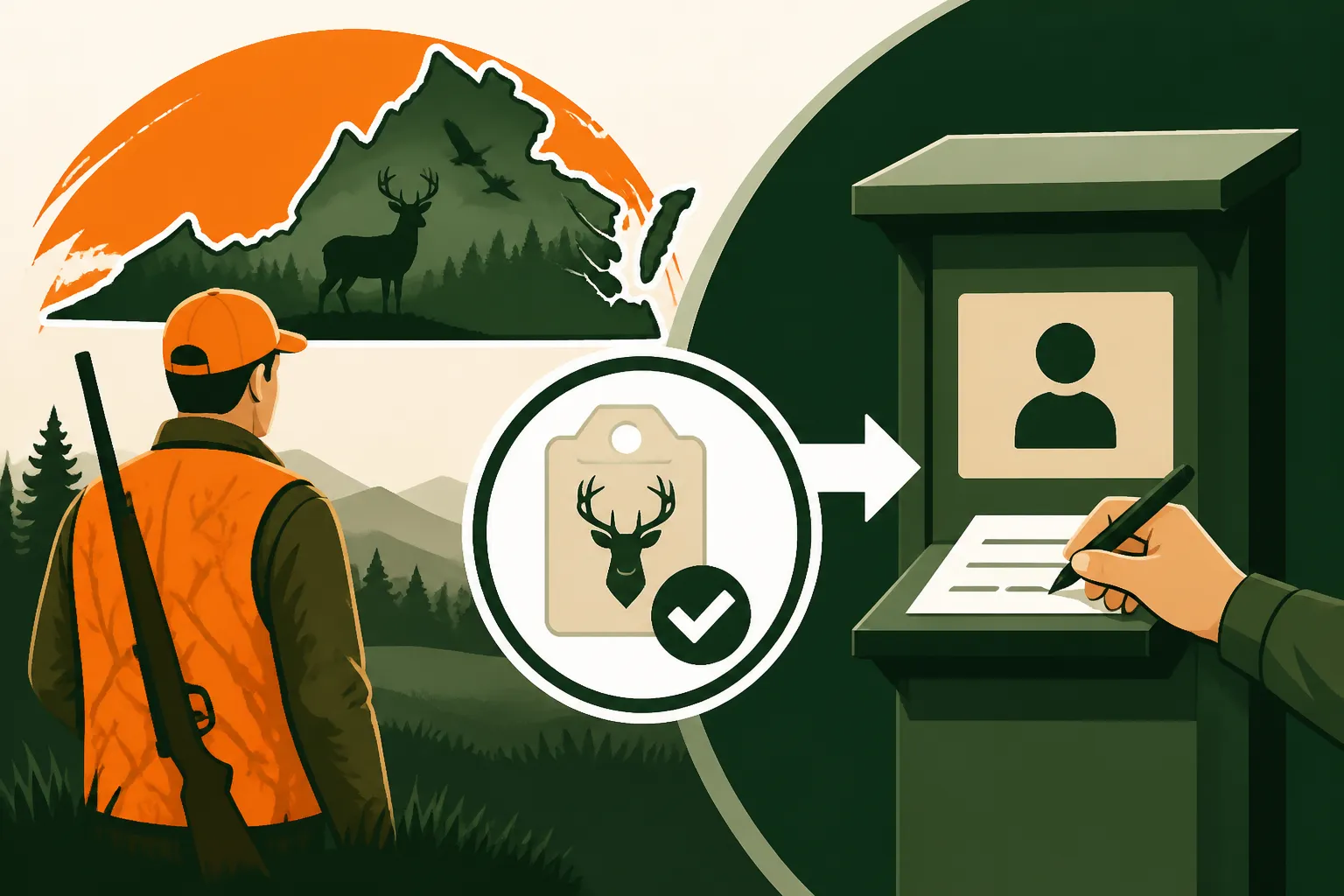
Virginia WMA Access Permit Sign-In Process
Ah, the Virginia Wildlife Management Area (WMA) access permit sign-in process. It can feel like an extra hoop to jump through, especially when you're just eager to hit the timber at first light or set up on a field edge. You've got your license, your big game tag, maybe even your federal duck stamp, and then you remember this one last thing, often right as you pull off the blacktop onto a gravel WMA road with little to no cell service. This guide is here to untangle the confusion, walk you through the necessities, and help you understand exactly how to navigate the WMA access permit and sign-in requirements so you can focus on the hunt.
Understanding the "Why" Behind WMA Access Permits
It's easy to view any permit or fee as just another cost, another regulation tacked onto an already complex set of hunting laws. But with Virginia's Wildlife Management Areas, that access permit and the sign-in process actually serve some really important purposes for both the resource and us, the hunters who cherish these lands. It’s not about making things difficult; it’s about making sure these public lands remain viable and well-managed for generations to come.
Managing Pressure and Resources
Think about the sheer number of hunters, anglers, birdwatchers, and hikers who utilize Virginia's WMAs throughout the year. Without some form of tracking or regulation, these areas could quickly become over-pressured, leading to a decline in game populations, habitat degradation, and a less enjoyable experience for everyone. The access permit helps the Virginia Department of Wildlife Resources (DWR) gauge just how many people are using a particular WMA, when they're using it, and for what purpose. This data is absolutely crucial for sound wildlife management decisions. They can see if a specific WMA is consistently getting hammered, and then adjust management strategies or even hunt allocations if necessary. It’s a tool for ensuring that the public lands we rely on for hunting remain healthy and productive, not just for deer and turkeys, but for all species. It's part of the broader strategy for How Virginia WMAs Are Managed.
Furthermore, understanding user numbers allows the DWR to better allocate their limited staff and resources. If they know a certain WMA sees heavy usage during deer season, they can ensure there are wardens present to enforce regulations, or maintenance crews to keep roads and parking areas in good shape. It’s all about sustainable use, ensuring that our presence on these lands doesn't inadvertently harm the very ecosystems we love to explore. Nobody wants to pull into a WMA parking lot only to find trash everywhere or habitat that looks severely neglected, and this system is one of the many gears turning to prevent that.
Funding Conservation Efforts
Let's be real: managing vast tracts of land, maintaining wildlife populations, and providing public access isn't cheap. The nominal fee you pay for a WMA Access Permit goes directly back into the pot that funds these critical conservation efforts. This isn't just bureaucratic red tape; it's a direct investment in the future of Virginia's hunting and fishing heritage. The funds are used for everything from habitat improvement projects—like prescribed burns to promote new growth or planting native food sources—to road and trail maintenance, parking lot upkeep, and staffing.
Many of Virginia's WMAs were acquired specifically for public hunting and recreation, and their ongoing management relies heavily on these dedicated funds. Every time you purchase that permit, you're contributing to the sustainability of these precious public lands. It's a tangible way for hunters to directly support the lands they love to hunt, ensuring that the DWR has the resources needed to continue providing these opportunities. Without these funds, many of the WMAs we take for granted simply wouldn't be accessible, or they wouldn't be able to support the diverse wildlife populations that make Virginia such a fantastic place to hunt. Think of it as your small but mighty contribution to the overall health and accessibility of Virginia Wildlife Management Areas.
The Step-by-Step Guide to the Go Outdoors Virginia System
The digital age has certainly streamlined many aspects of hunting, and that includes managing your licenses and permits. The Go Outdoors Virginia platform is your central hub for all things related to Virginia DWR, and it’s where you’ll handle your WMA Access Permit. While it might seem daunting at first, once you’ve navigated it a couple of times, it becomes second nature. It’s designed to be user-friendly, allowing you to quickly get what you need and get back to planning your next hunt.
Creating Your Go Outdoors Virginia Account
Before you can purchase anything, you need a personal account on the Go Outdoors Virginia website. If you've ever bought a hunting or fishing license in Virginia, chances are you already have one, or at least a customer profile. If not, it's a straightforward process. You'll head to the DWR website and look for the "Go Outdoors Virginia" link. From there, you'll be prompted to create an account, which typically involves providing your personal details: name, address, date of birth, and usually a unique identifier like your driver's license number. This ensures that all your licenses, permits, and hunter education records are tied to one profile.
It’s crucial to use accurate information, as this is how the DWR verifies your identity and eligibility for various permits, including your Virginia Hunting Licenses and What They Cost. Once your account is set up, you’ll have a username and password that you’ll use for all future interactions. I recommend saving this information somewhere secure, or at least setting up a memorable password, because you’ll be logging in frequently, especially when it comes time to sign in for a WMA hunt. Taking the time to do this correctly upfront will save you headaches down the road when you’re standing at the edge of a WMA, ready to hunt, only to realize you can’t access your account.
Purchasing Your WMA Access Permit
Once your account is active, purchasing the WMA Access Permit is just like buying any other license or tag. You'll log in, navigate to the licensing section, and look for the specific WMA Access Permit. It's typically a separate item from your general hunting license or big game tags, so make sure you're selecting the correct one. There are often options for resident and non-resident permits, and sometimes annual or shorter-term options, depending on your needs. Check the DWR website for current offerings and prices.
Add it to your cart, proceed to checkout, and complete the payment. After successful purchase, the permit will be linked to your Go Outdoors Virginia account. You won't typically receive a physical permit card for WMA access, but rather an electronic record. You can usually print a copy from your account or, more commonly, simply have it accessible on your smartphone. Remember, just like your hunting license, you need to be able to present proof of your WMA Access Permit if requested by a DWR conservation police officer. This is where having it readily available on your phone, or a screenshot saved, comes in handy. Don't assume that because you bought it, the system automatically knows you have it without some proof on your person.
The Electronic Sign-In: Before You Hunt
This is the part that sometimes trips people up. Simply having the WMA Access Permit isn't always enough; for many WMAs, especially those with managed hunts or higher usage, you're required to "sign in" electronically before you begin your hunt and "sign out" after you finish. This is usually done through the Go Outdoors Virginia system, either on their website via your phone or through the DWR mobile app. The sign-in process typically asks for the WMA you're visiting, the date, and what you'll be hunting (e.g., deer, turkey, small game).
The electronic sign-in is absolutely critical. It helps the DWR gather real-time data on hunter pressure, specific game pursuit, and ultimately, harvest data if you successfully take an animal. This information is invaluable for setting future seasons and bag limits. Imagine trying to manage a statewide deer herd without knowing how many people are hunting in different regions! Always do this before you step foot into the hunting area. Doing it from the warmth of your truck in the parking lot is perfectly acceptable. Just ensure you complete it before you start hunting. And please, remember to sign out! It's just as important for accurate data collection, even if you don't harvest anything. You can even sign in and out on the Go Outdoors Virginia App, which can be a lifesaver when you're on the move.
Navigating the On-Site Sign-In Stations
While the electronic sign-in is the primary method for many WMAs, there are still situations, and specific WMAs, where a physical, on-site sign-in is required or preferred. This might seem a bit old-school in a digital world, but these kiosks still serve a vital purpose, particularly in areas with spotty cell service or for WMAs with unique management objectives. Don't get caught off guard assuming everything is electronic; always check the specific rules for the WMA you plan to hunt.
When a Physical Sign-In is Still Required
You'll typically find physical sign-in kiosks at the main entry points of certain WMAs, especially those with particularly high usage, specific quota hunts, or simply those that haven't fully transitioned to a completely digital system. Sometimes, a WMA might even require both an electronic sign-in and a physical one, especially if there's a need to display specific daily rules or harvest limits that might change frequently. The best practice is always to check the DWR's WMA-specific regulations online before you head out. These details are usually found on the individual WMA pages within the DWR website or by looking up Virginia Public Land Hunting Hours.
One common scenario for physical sign-in is when the WMA wants hunters to report their harvest directly at a kiosk, sometimes with a physical tag or card to drop in a box. This is particularly true for WMAs that might be participating in special research projects or have very localized harvest goals. Another reason might be simply due to a lack of reliable cell service across the entire property. In these situations, the physical kiosk ensures that everyone has an opportunity to comply with the sign-in requirement, even if their phone is dead or can’t get a signal. Don't be that hunter who ignores the kiosk because you "signed in online" if the WMA's rules clearly state a physical sign-in is also mandatory.
What Information You'll Need at the Kiosk
When you encounter a physical sign-in kiosk, it will usually have forms, pencils, and a drop box. The forms will ask for similar information to the electronic sign-in: your name, DWR customer ID (which is usually printed on your hunting license), the date, the WMA you are hunting, and the game species you intend to pursue. Sometimes, there might be additional questions related to specific surveys or data collection efforts unique to that WMA.
It's a good idea to always have your DWR customer ID handy, whether on a printed license, your phone, or simply memorized. This number ties your physical sign-in directly to your personal hunting record. If you’re hunting with a group, each individual hunter is typically required to sign in separately. Never assume one person signing in covers everyone. Always read the instructions carefully posted at the kiosk, as they will provide the most up-to-date and specific requirements for that particular WMA. And remember, bring your own pen or pencil, just in case the ones at the kiosk have vanished or run dry! A small, often overlooked detail that can cause unnecessary frustration at 5 AM.
Here's a quick comparison of the two sign-in methods:
| Feature | Electronic Sign-in (Go Outdoors Virginia App/Website) | Physical Kiosk Sign-in |
|---|---|---|
| Location | Anywhere with internet/cell service | Designated entry points at WMA |
| Timing | Before hunt, after hunt (sign out) | Before hunt, after hunt (some WMAs) |
| Required Information | Name, DWR ID, WMA, Date, Species, Harvest (if applicable) | Name, DWR ID, WMA, Date, Species, Harvest (if applicable) |
| Proof of Compliance | Digital confirmation on app/website | Physical form in drop box |
| Connectivity Needs | Yes, for sign-in/out | No (forms are manual) |
| Prevalence | Most common for WMAs | Less common, but still required at some WMAs |
| Benefit to DWR | Real-time data, less manual processing | Data collection in low-connectivity areas, specific reporting |
Common Pitfalls and Troubleshooting Tips
Let's face it, hunting is rarely a perfectly smooth operation. Things go wrong, plans change, and sometimes technology just doesn't cooperate. The WMA sign-in process is no different, and there are a few common issues that hunters encounter. Knowing these pitfalls ahead of time and having a plan for troubleshooting can save you a lot of headache and ensure you stay compliant with the DWR regulations. Nobody wants a ticket for an honest mistake.
Dealing with No Cell Service
This is perhaps the most common frustration for hunters trying to use the electronic sign-in. You've driven deep into a WMA, parked your truck, and suddenly your phone shows "No Service." Panic might set in. How can you sign in if you can't access the internet? This is where preparation becomes your best friend.
First, always try to sign in before you leave an area with reliable cell service. Even if you're hours away from the WMA, you can often sign in for the day you plan to hunt. The DWR app and website are generally set up to allow this. Second, if you absolutely have to sign in on-site and the service is spotty, try moving to higher ground or a more open area near the WMA entrance. Sometimes, just a few feet can make a difference. Third, for those WMAs where physical kiosks are an option, always consider that a backup. If you know a WMA has notoriously bad service, mentally prepare for the physical sign-in option, if available. Another great tip, especially if you use a mapping app like onX Hunt, is to download offline maps of the WMA beforehand. While this won't help you sign in electronically, it will ensure you can navigate the area even without a signal, letting you focus on finding a deer or turkey. Knowing the lay of the land, thanks to tools like onX Layers for Virginia Land Status, is a good backup plan to know where you are heading.
Forgetting Your Permit or Account Info
We've all been there: rushing out the door, gear piled high, and something vital gets left behind. Forgetting your WMA Access Permit or your Go Outdoors Virginia login details can put a real damper on your hunt. If you've forgotten your physical license or permit, the DWR usually allows you to access a digital copy via their app or website, assuming you have cell service. This is why having your login information easily accessible is so important.
If you can't recall your password, most systems have a "forgot password" option. However, doing this when you're already in the field with poor service is a recipe for disaster. My advice? Take a screenshot of your active WMA Access Permit and your hunting license on your phone and save it to your photos. This provides a quick visual proof in most situations, even without service. Of course, a conservation police officer might still ask for your DWR ID to verify it, so having that number written down or memorized is a smart move. Better yet, print a physical copy of all your licenses and permits, laminate them, and keep them in your pack. It’s a bit old-school, but it’s a bulletproof backup.
Understanding Specific WMA Rules
Every WMA is unique, and while the general access permit rules apply, many WMAs have specific regulations that go above and beyond. These might include special hunt dates, firearm restrictions, limited vehicle access, or even mandatory harvest checks for certain species. For example, some WMAs might be archery-only zones during portions of the deer season, or have specific rules about Treestand Rules on Virginia Public Land versus ground blinds.
It’s your responsibility as a hunter to know the specific rules for the WMA you are visiting. Don't rely solely on statewide regulations. The DWR website has dedicated pages for each WMA, detailing these unique rules. Many WMAs also post large maps and regulation boards at their main entrances. Take a few minutes to read these thoroughly before you head in. Overlooking a specific WMA rule can lead to a ruined hunt, or worse, a citation. For instance, knowing when Scouting Virginia Public Land Before Season is allowed, or if trail cameras are permitted at your chosen WMA through Trail Camera Rules on Virginia Public Land, is part of responsible hunting.
Maximizing Your WMA Experience Beyond Sign-In
The WMA Access Permit and sign-in process are just the entry point. To truly make the most of your time on these public lands, it pays to integrate modern tools and practice good outdoor etiquette. These areas are a shared resource, and the more efficiently and respectfully we use them, the better the experience for everyone.
Scouting with Digital Tools
Gone are the days when a paper map and compass were your only scouting aids (though they are still excellent backups!). Today, digital mapping applications have revolutionized how we approach public land hunting. Brands like onX Hunt and GoHunt provide invaluable layers that show public versus private land boundaries, topography, satellite imagery, timber cuts, and even historical weather data. For a WMA, these tools can pinpoint potential bedding areas, travel corridors, water sources, and access points that might go unnoticed on a traditional map.
Before you even set foot on a WMA, you can "e-scout" from your living room, identifying promising spots and planning your entry and exit routes. You can mark waypoints for potential stand locations, food sources, or even areas of heavy sign you discover. Once you're in the field, these apps use your phone's GPS to show your exact location on the map, even without cell service (if you’ve downloaded the maps beforehand). This is incredibly useful for navigating dense timber or unfamiliar terrain, and can help you Finding Ground Others Walk Past within a heavily hunted WMA. Being able to visualize the terrain and understand the property boundaries can be the difference between a successful hunt and a frustrating one, especially on unfamiliar ground within a WMA.
Respecting WMA Regulations and Fellow Hunters
Hunting on public land, especially WMAs, comes with a unique set of responsibilities. These lands are shared, and maintaining a positive experience for all users—hunters, hikers, birdwatchers—is paramount. Beyond the basic WMA access permit and sign-in, it's crucial to adhere to all posted regulations for that specific WMA. This includes understanding rules about vehicle access, camping (where permitted, often different from Camping Rules on Virginia National Forest Land), and any specific restrictions on hunting methods or times.
Respect for fellow hunters is also key. This means giving other hunters ample space, especially during peak seasons like Virginia's General Firearms Deer Season. Avoid setting up too close to another hunter's vehicle or known hunting spot. Keep noise to a minimum, particularly in the mornings and evenings. If you encounter another hunter, a friendly nod or brief, quiet greeting is usually sufficient. Nobody wants their hunt interrupted by loud chatter or someone stomping through their area. Picking up after yourself and leaving no trace is also non-negotiable. Pack out everything you pack in, and perhaps even a little extra if you find someone else's litter. By being a responsible and respectful public land user, you contribute to a positive perception of hunters and help ensure these incredible public opportunities remain available for years to come.
Disclaimer
This article is for general informational purposes only and does not constitute professional advice. Laws, prices and regulations vary by location and change over time. Consult a qualified professional for guidance on your specific situation.