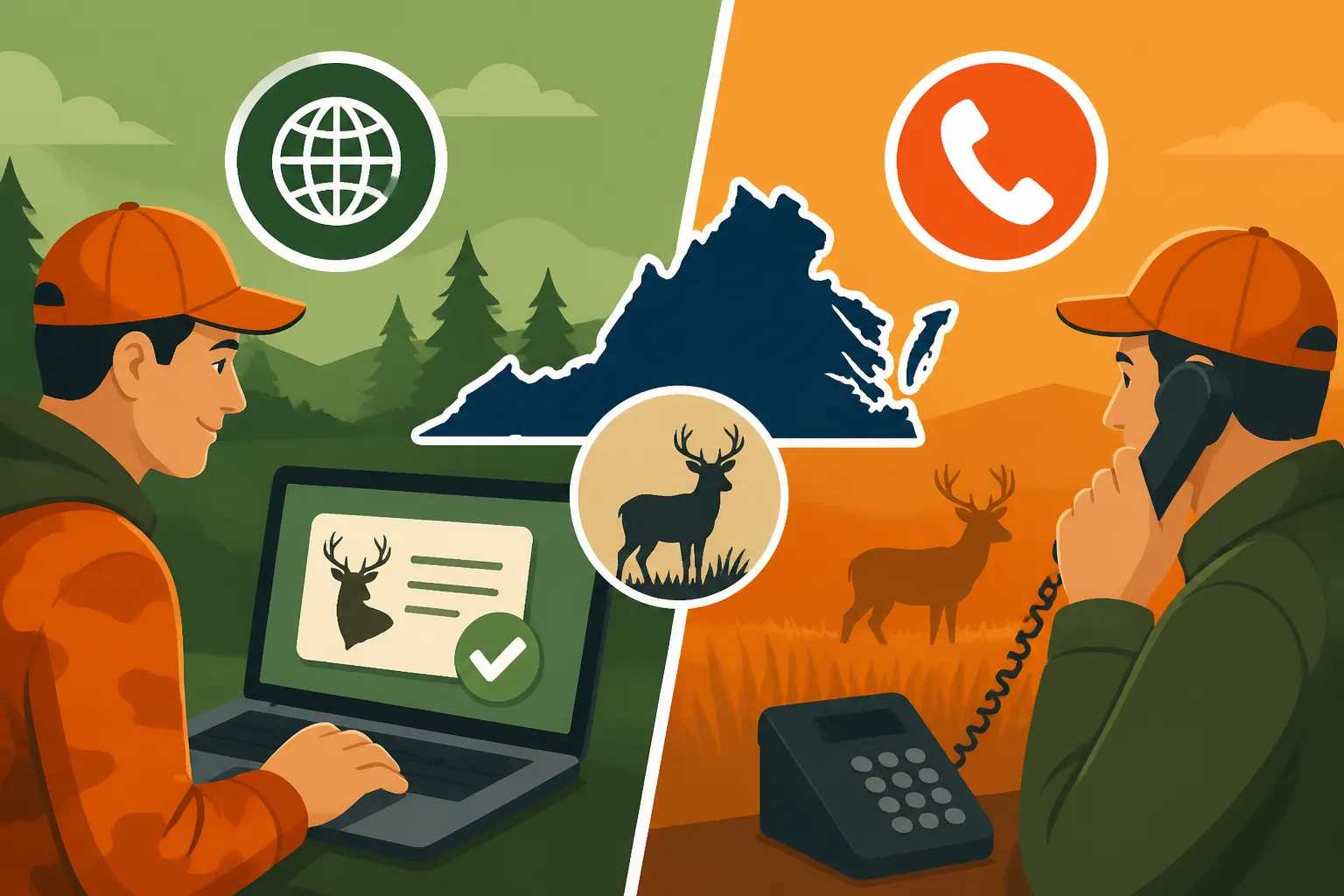
Buying Virginia Permits Online Versus by Phone
Let's be honest, figuring out the easiest way to secure your Virginia hunting permits can sometimes feel like a hunt in itself. You're ready to hit the woods, but first, you have to navigate the bureaucracy of licenses and tags. This guide is here to untangle the options for you, breaking down the pros and cons of buying your permits online versus over the phone, so you can spend less time fumbling with forms and more time in the field.
The Evolving Landscape of Virginia Hunting Permits
Gone are the days when a trip to a local sporting goods store or the DWR office was your only recourse for getting a hunting license. While those options still exist, the digital age has ushered in more convenient ways to secure your permits. This shift has been a game-changer for many hunters, offering flexibility that just wasn't available before.
Shifting from Paper to Digital Convenience
For years, a physical paper license was the standard, something you’d carefully fold into your wallet or clip to your hunting vest. But with the rise of smartphones and widespread internet access, the Virginia Department of Wildlife Resources (DWR) has embraced digital solutions. This means you now have genuine choices in how you obtain and carry proof of your eligibility to hunt. It’s a move that recognizes the modern hunter's need for efficiency, especially when juggling work, family, and precious time outdoors. Whether you're planning for Virginia's General Firearms Deer Season or gearing up for a springtime gobbler during Virginia Spring Turkey Season Rules, knowing your options beforehand makes all the difference.
The Immediate Need for Proof of License
One of the biggest advantages of digital systems, whether online or a swift phone transaction, is the near-instantaneous receipt of your permit. Imagine you've decided last minute to join a buddy for a hunt, or perhaps you've realized your license expired yesterday. The ability to purchase a new one and have valid proof in hand (or on your phone) within minutes can save a trip. This immediacy is crucial, as you must always be able to provide proof of your valid Virginia Hunting Licenses and What They Cost while in the field. There's no "I bought it, just waiting for it to arrive" grace period if a game warden asks to see your tags.
Navigating the Online Permit Purchase Process
For many, buying permits online has become the preferred method, and for good reason. It offers unparalleled convenience, allowing you to handle your license needs from the comfort of your home, or even your treestand if you have a signal! The official portal, Go Outdoors Virginia, is designed to be user-friendly, but like any online system, it has its quirks.
Step-by-Step Guide to Using the Go Outdoors Virginia Portal
The Go Outdoors Virginia platform is the official hub for all your DWR transactions. It’s where you’ll manage your account, purchase licenses, apply for quota hunts, and report harvests. Here’s a general rundown of what to expect:
- Account Creation/Login: First things first, you'll need an account. If you've ever bought a license in Virginia before, even at a local vendor, chances are you already have an existing profile tied to your customer ID (often your driver's license number). If not, creating a new account is straightforward, requiring basic personal information. Don't forget your password! Many of us, myself included, have had those moments of frustration trying to remember login details when all we want to do is buy a tag.
- Navigate to Licenses & Permits: Once logged in, look for a section dedicated to "Licenses and Permits" or "Buy a License." The layout is fairly intuitive.
- Select Your Desired Permits: This is where you'll choose your specific hunting licenses, such as a statewide hunting license, a big game add-on, or a national forest stamp. Be mindful of the various Virginia Resident Hunting License Options or Virginia Nonresident Hunting License Options, and ensure you select all the necessary components for your planned activities. The system usually guides you through what’s commonly purchased together.
- Review and Pay: Before finalizing, double-check your cart to make sure you've selected everything correctly. Mistakes here can be a headache to rectify later. The payment process is standard, accepting major credit and debit cards.
- Print or Save Proof: After a successful transaction, you'll typically be presented with a confirmation page and an option to print your license immediately. You’ll also receive an email with your purchase details and a link to print. Remember, Virginia allows you to carry proof of license on your phone, so saving a PDF copy or taking a screenshot is a perfectly valid option. However, having a physical copy tucked away is always a good backup, especially if you're hunting in areas with spotty cell service.
Essential Information You'll Need Online
To ensure a smooth online transaction, have the following information readily available:
- Virginia Customer ID or Driver's License Number: This is your primary identifier in the DWR system.
- Date of Birth: For verification purposes.
- Current Address: To ensure your profile is up-to-date.
- Credit/Debit Card Information: For payment.
- Hunter Education Certification Number (if applicable): If you're a new hunter or a nonresident who hasn't previously linked your certification, you'll need this. Remember, Who Needs Virginia Hunter Education is clearly outlined by the DWR.
- Email Address: For confirmation and digital receipt.
Having these details at your fingertips before you start the process can save you from scrambling mid-transaction. It's like checking your gear before a hunt – a little preparation goes a long way. Some hunters find external apps helpful for organizing their various hunting-related documents and information; a tool like GoHunt can sometimes help keep track of certifications or previous purchases for quick reference, though you'll still complete the purchase on the official DWR site.
Troubleshooting Common Online Hurdles
While online purchasing is generally seamless, you might occasionally run into a snag. Here are a few common issues and how to tackle them:
- Website Glitches or Slowdowns: Especially around peak times like the Virginia General Firearms Opening Day or the start of a popular season, the Go Outdoors Virginia site might experience heavy traffic. If it's slow or buggy, try clearing your browser's cache and cookies, or try again during off-peak hours. Sometimes, simply switching to a different web browser can resolve the issue.
- Payment Processing Problems: Card declines can happen for various reasons. Double-check your card number, expiration date, and CVV. Ensure your billing address matches what's on file with your bank. If the problem persists, contact your bank.
- Login Issues: Forgotten passwords are a classic. The site usually has a "Forgot Password" or "Forgot User ID" option. Follow those prompts. If you're still locked out, you might need to call DWR customer service during business hours.
- Not Receiving Confirmation Email: First, check your spam or junk folder. If it's not there after a few minutes, log back into your Go Outdoors Virginia account and check your purchase history. The permit should be listed there, and you can usually print or resend the confirmation from that section.
Dealing with technical issues can be frustrating, especially when you're eager to get out into the field. Patience and a systematic approach usually solve most problems.
Purchasing Your Virginia Hunting License Over the Phone
While online purchases are increasingly popular, buying your permits over the phone remains a viable and sometimes preferable option. It offers a direct line to DWR staff who can assist you, which can be a huge relief if you're not comfortable with online transactions or are running into issues.
What to Expect When Calling the DWR
The Virginia DWR operates a dedicated customer service line for license sales and inquiries. When you call, you'll typically be guided through an automated system before reaching a representative.
- Automated Prompts: You'll likely encounter a menu of options. Listen carefully to select the correct prompt for license purchases. This helps direct your call to the right department, saving you time.
- Speaking with a Representative: Once you connect with a live person, they will ask for your personal information to locate or create your customer profile. Be prepared to clearly state your name, address, date of birth, and ideally, your Virginia Customer ID or driver's license number.
- License Selection and Payment: The representative will guide you through selecting the specific licenses you need, explaining any nuances or requirements for Virginia Big Game License Requirements or other specialized tags. They will then process your payment over the phone using your credit or debit card details.
- Confirmation and Proof: After the transaction, the representative will confirm your purchase. They can often provide you with a confirmation number immediately, and the license details will be updated in the system. You can then access and print your license from the Go Outdoors Virginia portal, or wait for it to arrive by mail if that option is available and you prefer a physical copy. Some may find tools like the GoHunt app helpful for quickly verifying regulations or season dates while on the phone with the DWR, ensuring they ask the right questions about specific permits.
Information You Should Have Ready for Phone Purchases
Just like with online purchases, having your information organized before you call will streamline the process:
- Full Name, Current Address, Date of Birth: Standard identification.
- Virginia Customer ID or Driver's License Number: Crucial for pulling up your existing record.
- Hunter Education Certification (if applicable): If you're a new hunter or it hasn't been linked to your profile before.
- Credit/Debit Card Number, Expiration Date, Security Code: For payment.
- List of Specific Licenses Needed: Knowing exactly what you want (e.g., "annual resident hunting license with big game and bear permit") will make the conversation much quicker.
Scenarios Where a Phone Purchase Might Be Preferred
While many lean towards online buying, there are definite times when a phone call is the better route:
- Technical Difficulties: If you've tried the online portal and are constantly running into errors or simply can't get it to work, calling is your next best bet. A human can often bypass technical glitches that stall automated systems.
- Complex License Needs: If you have an unusual situation, like needing specific Virginia Apprentice Hunter License Rules explained, or if you're trying to understand how Virginia's Four Chronic Wasting Disease Areas might affect your permits, a phone call allows you to ask direct questions and get personalized advice.
- Lack of Internet Access: If you're out in a remote area and only have phone service, or simply don't have reliable internet, calling is the only way to go without finding a physical vendor.
- Preference for Human Interaction: Some hunters simply prefer speaking with a person, especially if they have questions or just feel more secure completing a transaction verbally.
Key Considerations for Your Permit Purchase
Regardless of whether you choose the online or phone method, a few overarching considerations will ensure you're always legally compliant and ready for your hunt.
Ensuring Your License Stays Valid and Accessible
A common oversight is thinking a purchase is the end of it. It’s crucial to understand how long a Virginia license stays valid. Most annual licenses run from July 1st to June 30th, meaning even if you bought it in March, it still expires at the end of June. Always check the valid dates on your specific permits.
Moreover, having your license accessible isn't just about avoiding a fine; it's about good practice. While Virginia allows for Carrying Proof of License on Your Phone, make sure your phone is charged, and the digital copy is easily retrievable. In areas with no signal, you won't be able to log into Go Outdoors Virginia to pull it up, so a saved screenshot or a physical backup is always wise.
Understanding Virginia Hunting Licenses and What They Cost
Virginia has a range of licenses, from basic hunting permits to specific add-ons for big game, national forests, and even certain species. The cost varies significantly between resident and nonresident options, and there are often multi-year discounts available if you plan on being a long-term hunter in the Commonwealth.
It's a good idea to review the DWR's official regulations yearly, as fees and requirements can occasionally change. Don't just assume what you bought last year is all you need this year. This might seem like a hassle, but taking a few minutes to confirm your needs can save you from an unexpected citation. The DWR website on Go Outdoors Virginia is an excellent resource for a detailed breakdown of all fees.
Here's a quick comparison of the two primary purchase methods:
| Feature | Online via Go Outdoors Virginia | Phone via DWR Customer Service |
|---|---|---|
| Convenience | 24/7 access from any internet-connected device | Available during business hours; direct human assistance |
| Speed of Receipt | Immediate digital proof; print at home | Immediate system update; can print online or await mail |
| Payment Method | Credit/Debit Card | Credit/Debit Card |
| Assistance Level | Self-service with online FAQs | Direct support from DWR representative |
| Ideal For | Tech-savvy individuals, quick purchases, after-hours needs | Complex inquiries, troubleshooting, preference for human contact |
| Potential Downsides | Technical glitches, login issues, internet requirement | Limited to business hours, potential hold times |
Dealing with Last-Minute Purchases and Season Openers
We've all been there: the season opener is tomorrow, and you suddenly realize your license isn't valid. The online system, Go Outdoors Virginia, is truly a lifesaver in these moments, allowing you to purchase permits literally minutes before heading out. This flexibility extends to things like Virginia Deer Reporting Requirements – you can often report your harvest using the same DWR app or website, even from the field.
However, a word to the wise: don't push your luck. Buying your licenses well in advance of the Virginia License Year Start Date (July 1st) or before the particular season you plan to hunt is always the best practice. This avoids the stress of last-minute technical difficulties, busy phone lines, or the inevitable "I forgot my password" moment that can delay your hunt. Using external tools like the GoHunt app for scouting and planning throughout the off-season can help you remember to check your license status and buy ahead of time, ensuring you're never caught off guard.
Ultimately, both online and phone purchasing options offer distinct advantages. Your choice will depend on your personal preferences, the urgency of your need, and your comfort with technology. The most important thing is to ensure you have a valid permit in hand or on your device before you step foot in the woods or on the water.
Disclaimer
The information provided in this guide is for general informational purposes only and is not a substitute for official regulations. Hunters are responsible for understanding and complying with all current Virginia Department of Wildlife Resources (DWR) laws and regulations. Always consult the official DWR website or contact them directly for the most up-to-date and accurate information.