Carrying Proof of License on Your Phone
It's happened to every single one of us. You're out in the Virginia woods, deep in the mountains or nestled by a Piedmont field edge, and that nagging thought creeps in: "Did I remember my hunting license?" Fumbling through a wallet or digging through a gear bag only to find it missing can instantly ruin a hunt. Thankfully, the Virginia Department of Wildlife Resources (DWR) understands this modern dilemma, and they've made it much easier for hunters to carry proof of their license right on their phone. This guide will walk you through exactly how to do that, so you can hunt with confidence.
The Modern Hunter's Wallet: Virginia's Digital License Policy
Gone are the days when a crisp, paper license tucked into your wallet was the only acceptable proof. Virginia's DWR has embraced technology, recognizing that most hunters today have a smartphone practically glued to their hand. This shift is a massive convenience, letting you leave that paper copy at home, safe from the elements or accidental loss. It's a game-changer, particularly when you're rushing out the door at 4 AM, coffee in hand, and trying to remember every last piece of gear.
The Official Stance on Digital Proof
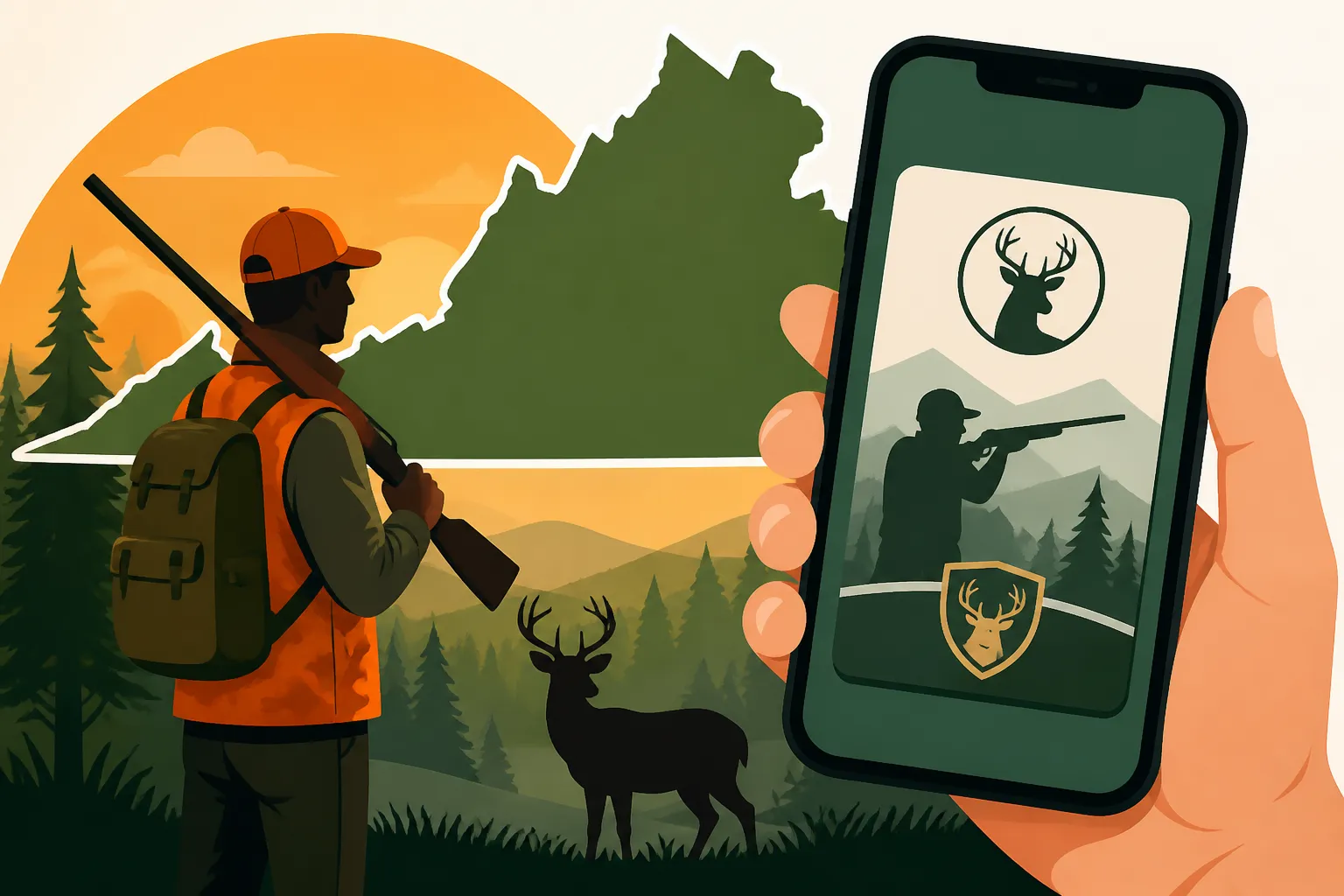
The Virginia DWR officially permits hunters to carry proof of their license digitally on a smartphone or other electronic device. This isn't just a casual allowance; it's written into the regulations. What this means in practice is that a game warden, upon request, will accept a clear display of your valid hunting license on your phone. However, there's a crucial caveat: the license must be easily legible and readily accessible. Simply having your license number memorized or a blurry, pixelated photo might not cut it. The expectation is that you can quickly pull up an official-looking document. This policy extends to all required permits, stamps, and certifications, like your big game license or a migratory bird stamp. It's all about making compliance straightforward for the responsible hunter.
When you purchase your hunting and fishing licenses through the Go Outdoors Virginia portal, whether it's your annual resident hunting license or specialized permits like a Virginia Migratory Bird Stamp, you're immediately set up for digital access. You'll often receive an email confirmation with a printable PDF, but the most important part is that your purchase is logged in the DWR's system. This digital record is what allows you to display it on your phone with confidence. So, for those of us who dread losing paperwork, this is a huge relief.
Why the Shift to Digital Benefits Everyone
The move to digital proof isn't just about hunter convenience; it offers benefits across the board. For starters, it significantly reduces the chances of a hunter being cited for a forgotten license. Imagine driving two hours to your favorite public land hunting area only to realize you left your license on the kitchen counter. In the past, that might have meant driving all the way back, or worse, facing a hefty fine. Now, with a few taps on your phone, you can present your proof.
Beyond personal convenience, there are environmental benefits. Less paper printing means less waste, which aligns with conservation efforts. It also streamlines the process for DWR staff. When a warden can quickly verify a license on a digital screen, it makes their job more efficient, allowing them to spend more time on actual resource management and less on administrative checks. It's a testament to how technology can genuinely make our outdoor pursuits smoother and more sustainable. This digital system also ties into other essential services like how you report a deer through Virginia's app, creating a unified platform for all your hunting needs.
How to Effectively Carry Your Virginia License on Your Phone
Now that we know it's allowed, how do you actually make sure your license is properly displayed and accessible on your smartphone? There are a couple of primary methods, each with its own pros and cons, but one stands out as the most reliable.
Utilizing the Go Outdoors Virginia App
The absolute best and most foolproof method for carrying your Virginia hunting license on your phone is through the official Go Outdoors Virginia app. This app, available for both iOS and Android devices, is designed specifically for this purpose. Once you've purchased your licenses online through the Buying a License on Go Outdoors Virginia portal, they are automatically linked to your account within the app.
Here’s how to use it:
- Download the App: Search for "Go Outdoors Virginia" in your phone's app store.
- Log In: Use the same credentials you created when you purchased your license online.
- Access Your Licenses: Once logged in, there's usually a clear section, often labeled "Licenses" or "My Account," where you can view all your current, valid hunting and fishing permits.
- Display for Warden: When asked, simply open the app, navigate to your licenses, and present the screen to the game warden. The app displays all the necessary information in a clear, standardized format, including your name, license number, expiration dates, and the types of licenses you hold.
The beauty of this app is its official nature. It's built by the DWR, so there's no question about the legitimacy of the information displayed. Plus, it often has the ability to store a version of your license for offline access, which is absolutely critical when you find yourself in those remote areas where cell service is non-existent. Make sure you enable this feature and periodically refresh it, especially before heading into the backcountry. For serious hunters, alongside the DWR app, supplementary tools like the GoHunt app can also enhance your digital setup by providing mapping and scouting layers, though it won't replace the official DWR license display.
The Role of Digital Wallets and Screenshots
While the Go Outdoors Virginia app is the gold standard, many hunters wonder if a simple screenshot or adding a PDF to their phone's digital wallet (like Apple Wallet or Google Pay) is acceptable. The short answer is: usually, yes, but with a few important considerations.
- Screenshots: A clear, legible screenshot of your valid license from the Go Outdoors Virginia website or app can often serve as proof. The key here is "clear and legible." If the screenshot is blurry, cropped awkwardly, or difficult to read, a game warden might request a better form of identification, or at worst, consider it insufficient. It’s a good idea to have several screenshots saved, perhaps in a dedicated photo album on your phone, just in case. However, remember that a static screenshot won't update if you purchase new licenses or if there's an update to your existing ones.
- Digital Wallets (Apple Wallet, Google Pay, etc.): Some services or even the DWR's Go Outdoors portal might allow you to add your license as a "pass" to your phone's digital wallet. This can be incredibly convenient, as these passes are usually very quick to access. If this option is available and you can clearly display all the required information, it's generally acceptable.
The main drawback with these methods compared to the dedicated DWR app is the lack of guaranteed offline access and the potential for ambiguity. A game warden might prefer to see the official app, which they are familiar with, rather than a screenshot that could potentially be altered or outdated. Always prioritize the official app, but have a high-quality screenshot or digital wallet pass as a backup, especially if you anticipate being in an area with spotty service. It’s also wise to still know your license number by heart, just in case your phone decides to completely die on you.
Overcoming the Challenges of a Phone-Based License
While the convenience of digital proof is undeniable, relying solely on your phone in the wilderness introduces its own set of challenges. Being prepared for these can make or break your ability to present your license when needed.
Battling Battery Drain and Connectivity Issues
This is perhaps the biggest Achilles' heel of any phone-based system for outdoor activities. There's nothing worse than needing to show your license only to find your phone battery is dead, or you're in a cellular dead zone. Virginia's vast hunting lands, especially in areas like the George Washington National Forest Hunting or the remote sections of the Jefferson National Forest, are notorious for patchy to non-existent cell service.
Here’s how to mitigate these issues:
- External Battery Pack: Invest in a reliable portable power bank. Carry it fully charged, especially on longer hunts. This can recharge your phone multiple times.
- Charge Before You Go: Make charging your phone (and power bank) part of your pre-hunt ritual.
- Conserve Battery Life: Turn off unnecessary apps, put your phone in airplane mode, or use low-power mode when you're not actively using it for navigation or communication. Dim your screen brightness.
- Offline Mode for the App: As mentioned, ensure your Go Outdoors Virginia app has downloaded and stored your license information for offline viewing. This is critical for locations where you'll be Using Go Outdoors Virginia Without Cell Service.
- Physical Backup (Optional but Smart): Even with all the digital convenience, some hunters still prefer to carry a small, laminated printout of their license. It’s a low-tech, high-reliability backup that weighs next to nothing. This is especially useful for older hunters or those who simply prefer tangible proof.
By taking these precautions, you can largely eliminate the stress of a dead phone or lack of signal jeopardizing your hunt. Remember, preparedness is key to a successful and legal outing.
What to Expect During a Game Warden Check
Encountering a game warden in the field is a routine part of hunting. They are there to ensure regulations are followed, protect wildlife, and keep everyone safe. When asked to present your license, remain calm, courteous, and cooperative.
Here’s a typical scenario and how to handle it with a digital license:
- Be Ready: A warden might approach you while you're hunting or at your vehicle. Have your license ready to pull up on your phone. If you're wearing gloves, you might want to remove one for easier phone operation.
- Unlock and Open App: Simply unlock your phone and open the Go Outdoors Virginia app to the section displaying your current licenses. Present the screen to the warden.
- No Handing Over Your Phone: Generally, you should not hand your phone over to the warden. They typically just need to view the information on your screen. If they need a closer look or to verify details, they will instruct you to zoom in or scroll.
- If Issues Arise: If your battery is dead, or you can't access your license digitally for some reason, explain the situation calmly. If you have a physical backup, present it. If not, the warden will likely have ways to verify your information using their own devices, but it might take more time and could potentially lead to a warning or citation depending on the circumstances and their discretion. This is why having redundant methods or a charged phone is so important.
Game wardens are professionals and are used to seeing digital licenses. Your respectful and prompt cooperation will always make the interaction go smoothly. They're ultimately there to help enforce rules like those outlined in Virginia's Deer Season Structure Explained, not to make your life difficult.
Beyond Just Carrying: Maximizing Your Digital Hunting Experience
The convenience of a digital license is just one piece of a larger puzzle. Modern hunters are increasingly integrating technology into every aspect of their outdoor pursuits. Thinking about how your digital license fits into your broader tech strategy can make you a more efficient and informed hunter.
Integrating with Mapping and Scouting Apps
Your smartphone isn't just a license holder; it's a powerful tool for navigation, scouting, and real-time information. Apps like GoHunt or onX Hunt, which feature detailed maps, property lines, and satellite imagery, have become indispensable. Your digital license can be a seamless part of this ecosystem.
Imagine you're hunting a piece of public ground and want to confirm boundaries. With a mapping app like onX Layers for Virginia Land Status, you can instantly see where you are in relation to property lines, even checking for areas with specific regulations. Having your license easily accessible on the same device means you have all your essential information in one place. You can mark waypoints for a potential treestand setup, scout new areas from home, and then carry your legal documentation effortlessly in the field. This integration helps you make informed decisions, whether you're trying to figure out Hunting a Funnel Between Two Hollows or simply navigating through unfamiliar territory. The convenience of not juggling multiple physical items allows for better focus on the hunt itself.
Keeping Your Digital Information Secure and Accessible
While digital convenience is great, ensuring your personal information and access to your licenses are secure is paramount. After all, your phone contains a lot more than just your hunting license.
Here are some tips:
- Strong Passwords/Biometrics: Ensure your phone is protected with a strong passcode, fingerprint ID, or facial recognition. This prevents unauthorized access if your phone is lost or stolen.
- App Security: The Go Outdoors Virginia app itself should be secure, but always use a strong password for your account.
- Cloud Backup: Regularly back up your phone data. If you lose your phone, having your photos and settings backed up means you can quickly restore everything, including access to your hunting apps, on a new device.
- Familiarize Yourself with the App: Before season opens, spend some time navigating the Go Outdoors Virginia app. Know exactly where your licenses are displayed and how to pull them up quickly, even under pressure. Practice pulling it up with gloves on, or with cold fingers.
- Check Updates: Keep both your phone's operating system and the DWR app updated. Updates often include security patches and performance improvements that can prevent glitches when you need the app most.
By being mindful of these security and accessibility practices, you ensure that the convenience of carrying your license digitally truly enhances your hunting experience without creating new headaches. It's all about responsible hunting, and that includes responsible tech usage.
Comparison: Physical vs. Digital License Proof
To give you a clearer picture, here's a quick comparison of the pros and cons of carrying physical versus digital proof of your hunting license in Virginia.
| Feature | Physical License | Digital License (via Go Outdoors VA App) |
|---|---|---|
| Convenience | Can be forgotten, bulky, prone to damage. | Always with your phone, less to forget. |
| Durability | Prone to tearing, water damage, fading. | Protected by your phone, no physical wear and tear. |
| Accessibility | Requires physical retrieval, easily misplaced. | Quick access on phone, searchable. |
| Offline Access | Always available regardless of signal. | Requires prior download/offline mode or screenshot. |
| Battery Reliance | None. | Completely reliant on phone battery. |
| Warden Acceptance | Universally accepted. | Widely accepted, but clarity/functionality is key. |
| Security | Lost license can be replaced, but personal info is visible. | Protected by phone security (passcode, biometrics). |
| Environmental | Uses paper/plastic, contributes to waste. | Paperless, reduces environmental impact. |
Ultimately, the choice comes down to personal preference and how well you prepare for the potential downsides of digital reliance. Many hunters find a hybrid approach — primarily using digital with a small, laminated backup — to be the most secure and convenient.
Disclaimer
The information provided in this guide is for general informational purposes only and does not constitute legal advice. Hunting regulations, license requirements, and accepted forms of proof can change. Always consult the most current Virginia Department of Wildlife Resources (DWR) regulations or contact the DWR directly to ensure compliance with all applicable laws and policies before engaging in any hunting activities.