Checking a Virginia Deer Harvest Online
Finding yourself scratching your head after a successful hunt, wondering if you correctly reported your deer or how to even confirm it in this digital age, is a common frustration for many Virginia hunters. We've all been there, especially when juggling field dressing, family excitement, and the desire to stay on the right side of the law. This guide will walk you through exactly how to check your Virginia deer harvest online, ensuring you're compliant and that your valuable data helps manage our incredible deer herd.
Understanding Virginia's Deer Reporting Mandate
Before we dive into the "how-to" of checking your harvest, it's crucial to understand why we even have these rules. The Virginia Department of Wildlife Resources (DWR) relies heavily on accurate harvest data to make informed decisions about deer management, set bag limits, and ensure a healthy deer population for generations to come. Your successful hunt contributes directly to this vital effort. Failing to report a deer isn't just a minor oversight; it's a legal non-compliance that impacts conservation and could lead to fines.
Why Online Reporting is the Standard
Gone are the days of paper tags and physical check stations being the only way to report. While some still exist, online reporting through the DWR's Go Outdoors Virginia system has become the primary method for a reason. It offers unparalleled convenience, allowing you to report your deer from your phone or computer, often right there in the field or back at camp. This flexibility is a game-changer, especially for hunters in remote areas or those who don't want to drive miles out of their way to a physical station. It also provides immediate confirmation, which is invaluable for peace of mind.
The Critical Window for Reporting Your Harvest
You know that feeling of excitement and relief after a successful shot? It's easy to get caught up in the moment. However, Virginia law requires that all deer harvests be reported within 24 hours of the kill or prior to the deer being processed or transported out of state, whichever comes first. This isn't just a suggestion; it's a hard deadline. Missing this window can lead to issues, so getting into the habit of prompt reporting is essential. Many hunters, myself included, will often make it the very next step after securing the animal and before commencing the often arduous task of field dressing a deer in cold weather.
Navigating the Go Outdoors Virginia System for Harvest Records
The official platform for all things related to hunting and fishing licenses, permits, and harvest reporting in Virginia is the Go Outdoors Virginia system. It's designed to be user-friendly, but like any digital platform, it can sometimes feel a bit overwhelming if you're not familiar with its layout. Don't worry, we'll break it down.
Your Go Outdoors Virginia Account: The Digital Hub
To check your harvest online, you'll first need an account with Go Outdoors Virginia. If you've purchased a license or permit in recent years, you likely already have one. This account is your personal hub for all your DWR interactions. It stores your license history, permit applications, and, importantly, your past harvest reports. Think of it as your hunting resume with the DWR.
When you log in, you'll typically see a dashboard with various options. Look for sections related to "My Account," "Purchase History," or "Harvest Reporting." This is where you'll find the digital trail of your hunting activities. While many hunters use third-party apps like GoHunt for mapping and scouting, the official DWR system is where your mandated harvest records reside. It's a good practice to cross-reference your personal hunting log, perhaps kept on an app like GoHunt, with your official DWR records to ensure everything matches up.
Step-by-Step: Checking Your Reported Deer
Once logged into your Go Outdoors Virginia account, checking your reported deer is a straightforward process. Here’s how you generally do it:
- Access Your Account: Go to the official Virginia DWR website and navigate to the "Go Outdoors Virginia" portal. Log in using your customer ID (often your DWR ID or driver's license number) and password. If you've forgotten your login details, there are usually "forgot password" or "find customer ID" options available.
- Locate Harvest Reporting: On your dashboard, look for a section labeled "Report Harvest" or "Harvest History." Sometimes it's under "My Account" or "Purchase History" where you might see options like "View My Licenses" or "My Hunting & Fishing Licenses and Permits."
- View Past Reports: Within the harvest section, you should find a list or database of all the deer (and other big game) you've reported. Each entry will typically include details such as the species, sex of the animal, date of harvest, county of harvest, and the unique confirmation number generated at the time of reporting.
- Confirm Details: Review the details of your harvest report carefully. Does the date, county, and sex of the deer match your records? Is the confirmation number present? This is your digital receipt, proving you fulfilled your obligation.
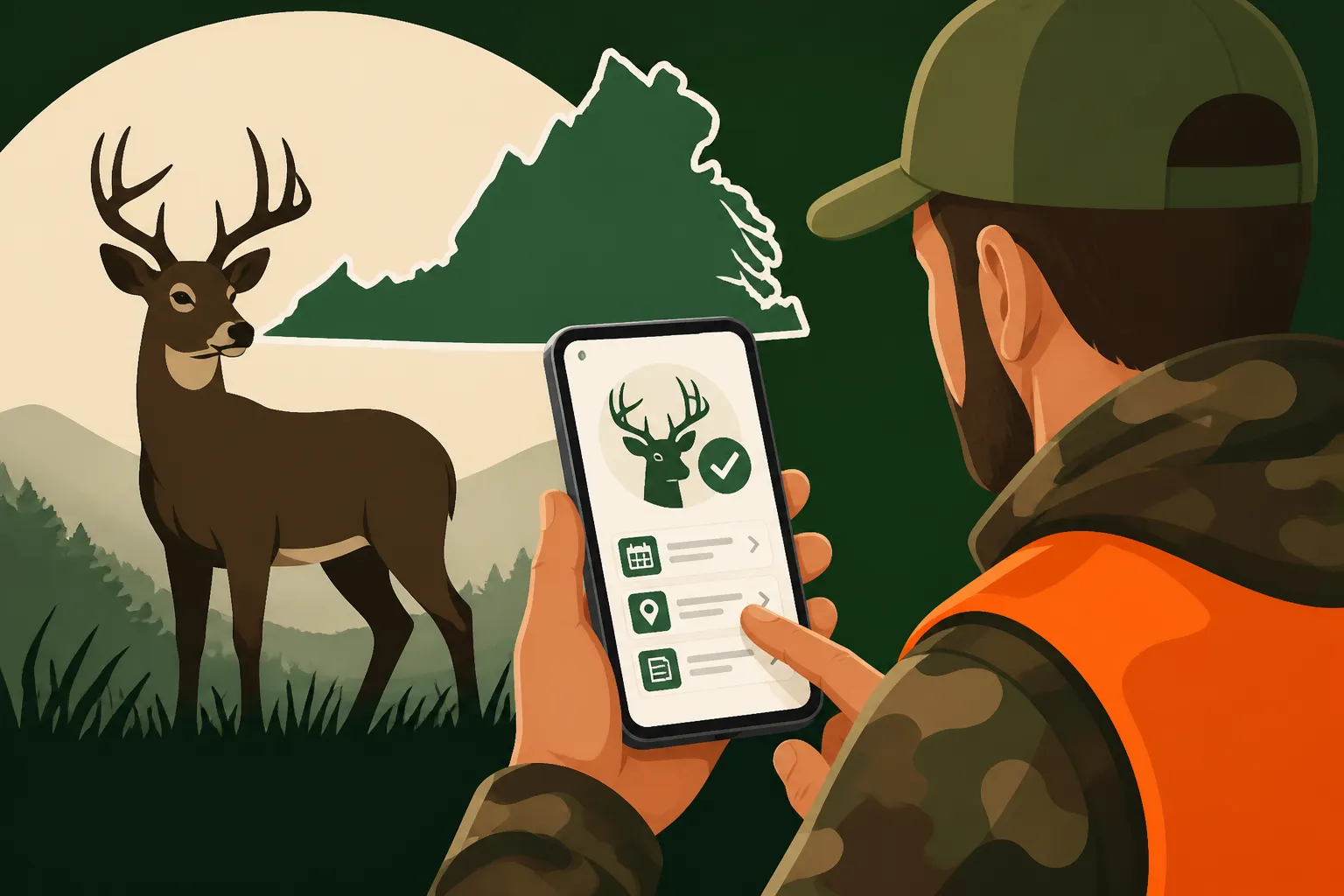
It’s worth noting that if you use the Virginia DWR mobile app, the process is very similar and often even more convenient for on-the-go reporting and checking. The app is specifically designed for quick access to these functions, including submitting a deer through Virginia's app.
Common Questions and Troubleshooting for Online Harvest Records
Even with the best intentions and a user-friendly system, issues can arise. Whether it’s a forgotten password, a perceived error in your report, or simply not being able to find the right information, understanding how to troubleshoot can save you a lot of headache.
What if I Can't Find My Report?
This is a common concern. First, double-check that you are logged into the correct Go Outdoors Virginia account. Sometimes hunters might accidentally create a duplicate account if their information changes, or they might be looking under a different email address. If you've confirmed you're in the right place and still can't find it, consider these possibilities:
- Reporting Method: Did you report it online, through the app, or at a physical check station? While physical check stations often enter data into the same system, there could be a delay.
- Time Lapse: If you just reported it, give the system a few minutes to update.
- Input Error: It's rare, but sometimes a glitch or a mistype during the initial report could cause it not to display correctly.
If you’ve exhausted these self-help options, it’s best to contact the DWR directly. They have access to the backend of the system and can help locate or verify your report. They are usually very understanding, especially if you have your license number and the approximate date and time of your report.
Correcting an Error in a Harvest Report
Let's say you reported a doe, but upon closer inspection (or maybe a friend pointed out a button buck!), you realize you accidentally reported the wrong sex. Can you fix it? Generally, once a harvest report is submitted and a confirmation number generated, it's considered final. The system is designed this way to maintain data integrity.
However, if you discover a significant error, do not try to submit a duplicate report. This will only complicate matters. Instead, you need to contact the Virginia DWR directly and explain the situation. Provide them with your customer ID, the confirmation number of the incorrect report, and the details of the correction needed. They will guide you through the process, which might involve them making an adjustment on their end or advising you on specific steps. They want accurate data just as much as you want to be compliant, so they're usually very helpful.
The Virginia Deer Reporting Deadline and Its Importance
While the 24-hour window is critical, the DWR also stresses the importance of overall compliance with the Virginia deer reporting requirements. The data collected from every single harvest report paints a clearer picture of deer populations, herd health, and regional trends. This information directly influences decisions like the adjustment of bag limits, such as the eastern region antlered buck limits versus the western region antlered buck limits, and the establishment of specific seasons, like the Virginia deer season structure explained by geographic area. Without accurate reporting from hunters like us, the DWR is essentially flying blind, which ultimately impacts the quality of hunting for everyone. Therefore, consistently checking and ensuring your reports are accurate is more than just compliance; it's a contribution to wildlife conservation.
Beyond Checking: The Broader Impact of Your Harvest Data
Reporting your deer online and verifying its accuracy isn't just about fulfilling a legal obligation; it's about contributing to a much larger conservation effort. The data you provide helps shape the future of hunting in Virginia.
How DWR Uses Harvest Data for Management
Every reported deer, whether taken during bowhunting Virginia's statewide archery season or Virginia's general firearms deer season, becomes a data point for the DWR. They use this information to:
- Estimate Population Trends: By analyzing harvest numbers over time, the DWR can estimate whether deer populations are increasing, decreasing, or stable in various regions.
- Assess Herd Health: Details like the sex and age of harvested deer can provide insights into the overall health and age structure of the herd.
- Gauge Hunting Pressure: High harvest numbers in certain areas might indicate higher hunting pressure, which can inform decisions about public land access or special management zones.
- Monitor Disease Spread: In areas affected by diseases like Chronic Wasting Disease (CWD), harvest data is crucial for monitoring disease prevalence and spread. This is especially important in Virginia's four Chronic Wasting Disease Areas where specific reporting and carcass movement rules may apply.
Public Access to Harvest Information
While your individual harvest details remain confidential, the DWR compiles and publishes aggregated harvest data annually. This information is a treasure trove for hunters who like to dig into statistics. You can often find reports detailing harvest numbers by county, weapon type, and season segment. This can be incredibly useful for planning future hunts, identifying productive areas, and understanding long-term trends. For instance, you might see how deer drives on Virginia public land influence harvest numbers in specific counties, or how early muzzleloader tactics contribute to the overall take.
Contributing to Responsible Hunting and Conservation
Ultimately, taking the time to properly report and check your Virginia deer harvest online is a mark of a responsible hunter. It demonstrates your commitment not only to following the rules but also to the scientific management of a precious natural resource. It’s part of a cycle: we hunt, we report, the DWR analyzes, and then they make decisions that ensure there are deer for us to hunt next year, and for our kids and grandkids to enjoy the tradition of Virginia hunting for years to come. So, next time you're back at camp after a successful day, take those few minutes to log onto Go Outdoors Virginia and confirm your harvest. It truly makes a difference.
| Action | Key Information Needed | Where to Perform | What to Look For |
|---|---|---|---|
| Initial Reporting | License #, Date/Time, County, Sex | Go Outdoors VA online/app | Confirmation #, immediate success |
| Checking Previous Harvests | Go Outdoors VA Login Credentials | Go Outdoors VA online/app | List of reported animals, details |
| Correcting an Error | Customer ID, Confirmation #, Error | Virginia DWR Customer Service | DWR guidance for official adjustment |
| Accessing Public Harvest Data | (No login needed) | DWR website (annual reports) | County breakdowns, species data, trends |
Disclaimer
The information provided in this guide is for general informational purposes only and is subject to change. Always consult the official Virginia Department of Wildlife Resources (DWR) regulations and website for the most current and accurate hunting laws and reporting procedures. It is the hunter's responsibility to know and abide by all applicable regulations.